Migrating from react-pdf to Forme
A practical guide to switching from react-pdf. What changes, what stays the same, and why page breaks are the reason you're here.
If you're reading this, you probably hit a wall with react-pdf. Most likely page breaks. Maybe performance. Maybe you needed something that the layout engine just couldn't do.
I've been there. Here's how to move.
The components map
The good news: if you've used react-pdf, Forme will feel familiar. The component model is similar. The differences are in layout behavior and what the engine can actually do.
| react-pdf | Forme | Notes |
|---|---|---|
<Document> |
<Document> |
Same |
<Page> |
<Page> |
Use <Fixed position="header"> and <Fixed position="footer"> children for repeating headers/footers |
<View> |
<View> |
Same flex layout model |
<Text> |
<Text> |
Same |
<Image> |
<Image> |
Same |
<Link> |
href prop |
Use href prop on <View>, <Text>, <Image>, or <Svg> instead |
<Canvas> |
<Canvas> |
Same. Recording draw context passes operations to the engine |
<Svg> |
<Svg> |
Same. Pass SVG markup via the content prop |
The import changes from @react-pdf/renderer to @formepdf/react and the render call changes from renderToBuffer() to renderDocument().
Before and after
react-pdf:
import { Document, Page, View, Text, renderToBuffer } from '@react-pdf/renderer';

const MyDoc = () => (
  <Document>
    <Page size="A4" style={{ padding: 30 }}>
      <View style={{ flexDirection: 'row', marginBottom: 20 }}>
        <Text style={{ fontSize: 24, fontWeight: 'bold' }}>Invoice</Text>
      </View>
      <View style={{ flexDirection: 'row', borderBottom: '1 solid #ccc', paddingBottom: 8 }}>
        <Text style={{ flex: 3, fontSize: 10, color: '#666' }}>Description</Text>
        <Text style={{ flex: 1, fontSize: 10, color: '#666', textAlign: 'right' }}>Amount</Text>
      </View>
      {items.map(item => (
        <View style={{ flexDirection: 'row', paddingVertical: 6 }}>
          <Text style={{ flex: 3, fontSize: 11 }}>{item.name}</Text>
          <Text style={{ flex: 1, fontSize: 11, textAlign: 'right' }}>{item.price}</Text>
        </View>
      ))}
    </Page>
  </Document>
);

const buffer = await renderToBuffer(<MyDoc />);
Forme:
import { Document, Page, View, Text } from '@formepdf/react';
import { renderDocument } from '@formepdf/core';

const MyDoc = () => (
  <Document>
    <Page size="A4" margin={30}>
      <View style={{ flexDirection: 'row', marginBottom: 20 }}>
        <Text style={{ fontSize: 24, fontWeight: 700 }}>Invoice</Text>
      </View>
      <View style={{ flexDirection: 'row', borderBottom: '1px solid #ccc', paddingBottom: 8 }}>
        <Text style={{ flex: 3, fontSize: 10, color: '#666' }}>Description</Text>
        <Text style={{ flex: 1, fontSize: 10, color: '#666', textAlign: 'right' }}>Amount</Text>
      </View>
      {items.map(item => (
        <View style={{ flexDirection: 'row', paddingVertical: 6 }}>
          <Text style={{ flex: 3, fontSize: 11 }}>{item.name}</Text>
          <Text style={{ flex: 1, fontSize: 11, textAlign: 'right' }}>{item.price}</Text>
        </View>
      ))}
    </Page>
  </Document>
);

const pdfBytes = await renderDocument(<MyDoc />);
The changes are small: renderToBuffer becomes renderDocument, fontWeight: 'bold' becomes fontWeight: 700, margin moves from style to a prop on Page. Border shorthands like borderBottom: '1px solid #ccc' work as-is. Most templates migrate in 15-30 minutes.
The reason you're migrating: page breaks
react-pdf has a wrap prop and a break prop. The wrap prop controls whether content can break across pages. Setting wrap={false} on a View means the entire View must fit on one page. If it doesn't fit, react-pdf tries to move it to the next page. If it still doesn't fit, things get unpredictable.
The real problem is flowing content. A long list of items that needs to span multiple pages. react-pdf will break the content, but it doesn't re-render headers, doesn't handle orphaned rows well, and can clip content at page boundaries.
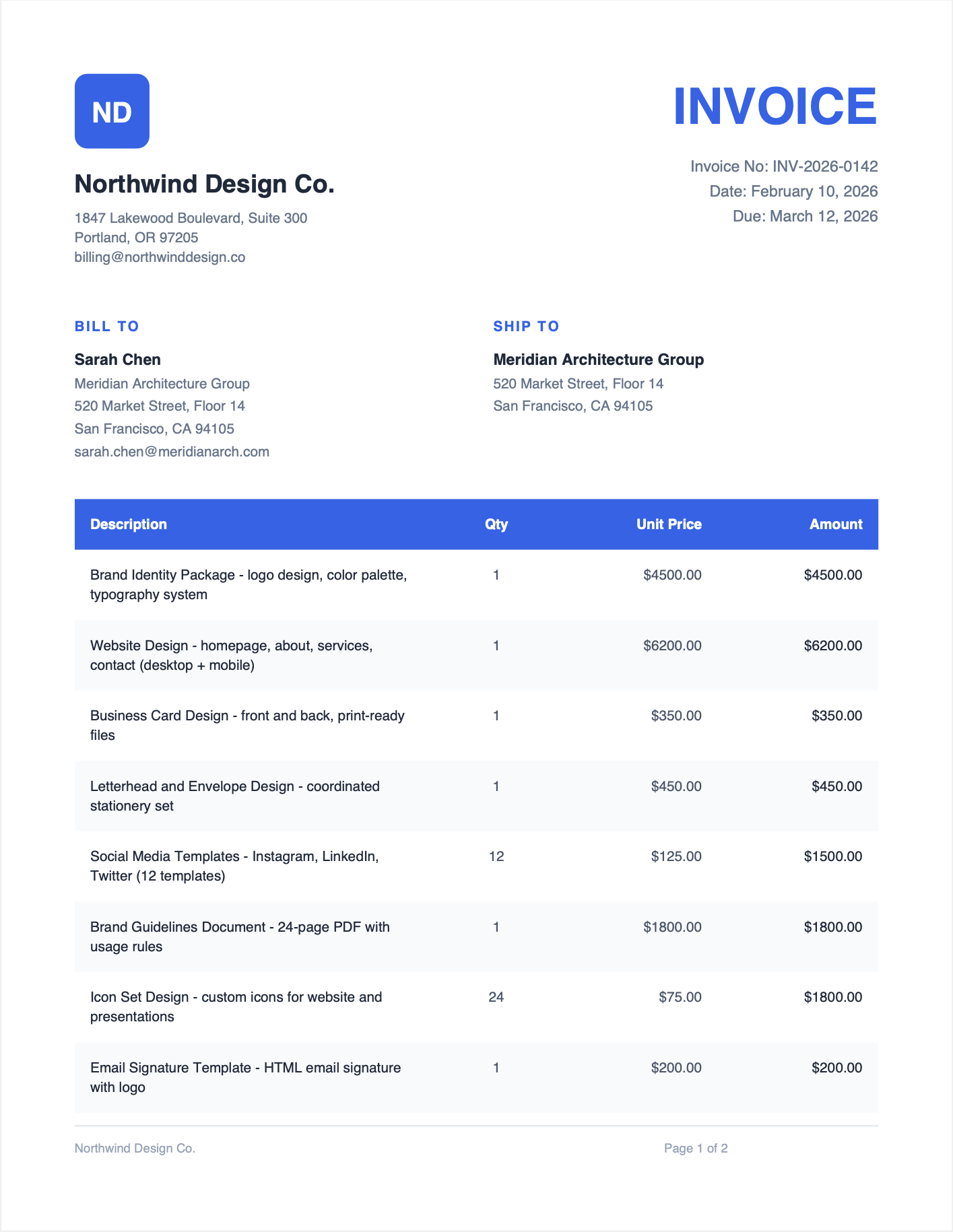
Forme's layout engine was built for this. Content flows across pages automatically. Headers and footers use <Fixed> children inside the Page and repeat on every page. wrap={false} on a View moves the entire View to the next page if it doesn't fit.
<Page size="Letter" margin={[54, 54, 72, 54]}>
  <Fixed position="header">
    <View style={{ flexDirection: 'row', justifyContent: 'space-between', borderBottomWidth: 1, borderBottomColor: '#ddd', paddingBottom: 8 }}>
      <Text style={{ fontSize: 10 }}>Acme Corp</Text>
      <Text style={{ fontSize: 10, color: '#999' }}>Invoice #001</Text>
    </View>
  </Fixed>
  <Fixed position="footer">
    <View style={{ borderTopWidth: 1, borderTopColor: '#ddd', paddingTop: 8 }}>
      <Text style={{ fontSize: 9, color: '#999', textAlign: 'center' }}>
        Page {'{{pageNumber}}'}
      </Text>
    </View>
  </Fixed>

  <Text style={{ fontSize: 24, fontWeight: 700, marginBottom: 20 }}>Invoice</Text>

  {items.map(item => (
    <View wrap={false} style={{ flexDirection: 'row', paddingVertical: 8, borderBottomWidth: 1, borderBottomColor: '#eee' }}>
      <Text style={{ flex: 3 }}>{item.description}</Text>
      <Text style={{ flex: 1, textAlign: 'right' }}>{item.amount}</Text>
    </View>
  ))}
</Page>
100 line items? They flow across as many pages as needed. The header and footer appear on every page. No item gets clipped at a boundary. This is the default behavior, not something you have to configure.
Performance
react-pdf is written in JavaScript. It's doing layout, font parsing, and PDF generation all in JS. For simple documents it's fine. For complex documents with many pages, it slows down.
Forme's engine is Rust compiled to WASM. The layout calculation, font subsetting, and PDF binary generation all happen in compiled code. A 4-page document renders in about 28ms. A 20-page report with tables and images renders in under 200ms.
The difference is most noticeable with repeated renders. If you're generating hundreds of PDFs in a batch job, the per-render overhead matters.
What each engine emphasizes
The two projects have converged on many of the same underlying algorithms. Both use Knuth-Plass line breaking, fontkit/rustybuzz for OpenType GSUB/GPOS shaping (ligatures, kerning, feature settings), UAX #9 BiDi, automatic Knuth-Liang hyphenation, textOverflow truncation, fontFamily arrays for fallback, <Canvas> recording contexts, and AcroForm field primitives. When looking for a differentiator, ignore all of those -- both do them.
Where the projects genuinely diverge:
Forme's differentiators
- Page-native layout -- the engine runs into pages rather than onto an infinite canvas that gets sliced afterward. This is what makes table headers repeat automatically, flex/grid containers behave predictably at page boundaries, and widow/orphan control apply across arbitrary content
- First-class Table --
<Table>/<Row>/<Cell>with automatic header repetition and correct row-level page splitting (react-pdf projects typically simulate tables with flex<View>s) - CSS Grid --
display: 'grid'with fr/auto/fixed tracks and grid-line placement - Rust/WASM engine -- layout, font subsetting, and PDF serialization all in compiled code; ~28ms for a 4-page report
- Bundled hyphenation -- 35+ language patterns ship by default (react-pdf ships en-US and requires you to provide additional patterns)
- Per-glyph font fallback within a
fontFamilyarray (react-pdf's fallback is family-level) - Enterprise features --
<Document pdfUa>for PDF/UA-1,<Document pdfa="2b">for PDF/A-2b / -2a, PKCS#7 digital signatures viacertification, content-stream redaction, PDF merging - Built-in components --
<QrCode>,<Barcode>,<BarChart>/<LineChart>/<PieChart>/<AreaChart>/<DotPlot>,<Watermark> - Dev experience -- CLI dev server with live preview and layout overlays, VS Code extension with click-to-inspect and computed-style inspector
react-pdf's differentiators
- Maturity -- longer-running project, larger install base, more community examples on Stack Overflow
maxLinestruncation on top oftextOverflow(Forme currently only hastextOverflow)- Pure JavaScript -- no WASM binary in the bundle if that matters for your target
If page-boundary behavior, tables, CSS Grid, or the enterprise features are what you need, Forme is the reason to switch. If ecosystem breadth or bundle characteristics matter more, react-pdf remains a fine choice.
The migration checklist
- Replace
@react-pdf/rendererwith@formepdf/reactand@formepdf/core - Change
renderToBuffer()/renderToStream()torenderDocument() - Move
padding/marginon<Page>from style to themarginprop - Replace
fontWeight: 'bold'withfontWeight: 700 - Border shorthands like
borderBottom: '1px solid #ccc'work as-is - no changes needed - Use
wrap={false}on Views that shouldn't break across pages - Replace
breakprop with<PageBreak /> - Add
<Fixed position="header">and<Fixed position="footer">children inside Page for repeating headers/footers - Test your templates -- most will work with minimal changes
The most satisfying part of the migration is deleting whatever page break workaround code you wrote. That code isn't needed anymore.

npm install @formepdf/react @formepdf/core
npm uninstall @react-pdf/renderer